
The global document scanner market reached a massive USD 6.73 billion in 2025 and is projected to hit USD 7.06 billion in 2026, according to recent data from Mordor Intelligence. Despite this ongoing investment in physical hardware, the way individual professionals and remote teams handle a document has fundamentally changed. If you need to process, convert, and transmit paperwork quickly, moving from a physical document scanner to an agile mobile app and a web fax service is the most practical path forward. As a product developer working closely with digital document management, I spend my days analyzing how legacy communication channels adapt to hybrid work environments.
Research from Fortune Business Insights notes that recent global disruptions created unprecedented demand for digitization across all regions. Companies are outfitting their headquarters with heavy-duty machines, but they are increasingly relying on mobile equivalents for distributed staff. Below is a step-by-step guide on how to transition your personal or small-team workflow away from stationary hardware and toward a fully mobile document system.
Step 1: Why is the traditional document scanner market still growing while mobile takes over?
It might seem contradictory that physical scanners are selling well while mobile apps dominate app stores. The reality lies in market segmentation. Technavio research highlights that the government sector alone accounted for USD 3.12 billion in scanner valuations in 2024. Massive institutions, enterprise mailrooms, and large-scale archiving projects still require high-speed, offline batch scanning.
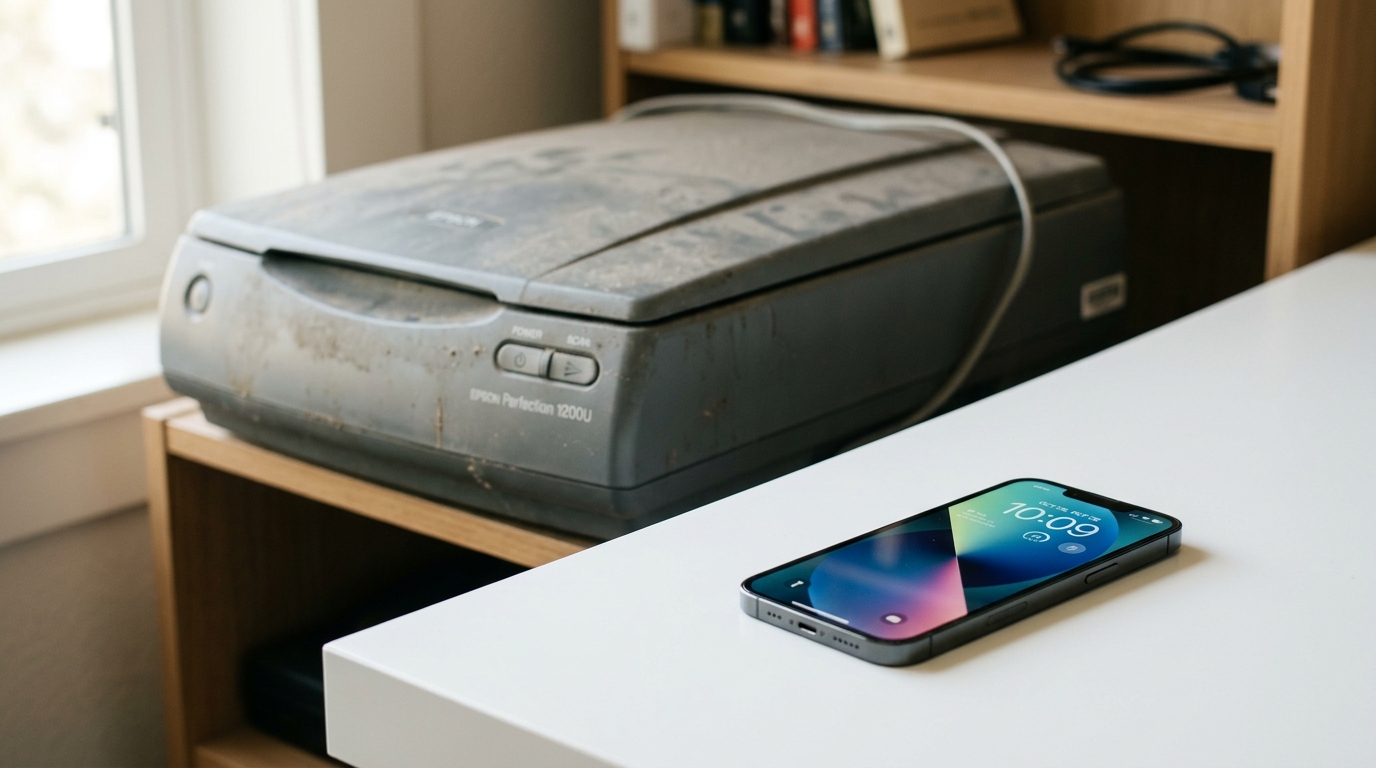
However, what works for a government agency is usually overkill for a freelancer, a traveling sales representative, or a small medical clinic. Mordor Intelligence reports that sheet-fed scanners commanded a 45.40% market share in 2025 because they fit hybrid workflows better than older flatbed models. Yet, for the individual worker, even a compact sheet-fed scanner ties you to a desk.
By understanding this divide, you can make better technology choices. If you are processing thousands of pages daily, invest in the hardware. If you are handling client contracts, medical referrals, or daily expense receipts, a dedicated mobile scanning app is a much smarter choice.
Step 2: How do you build a reliable image to pdf mobile workflow?
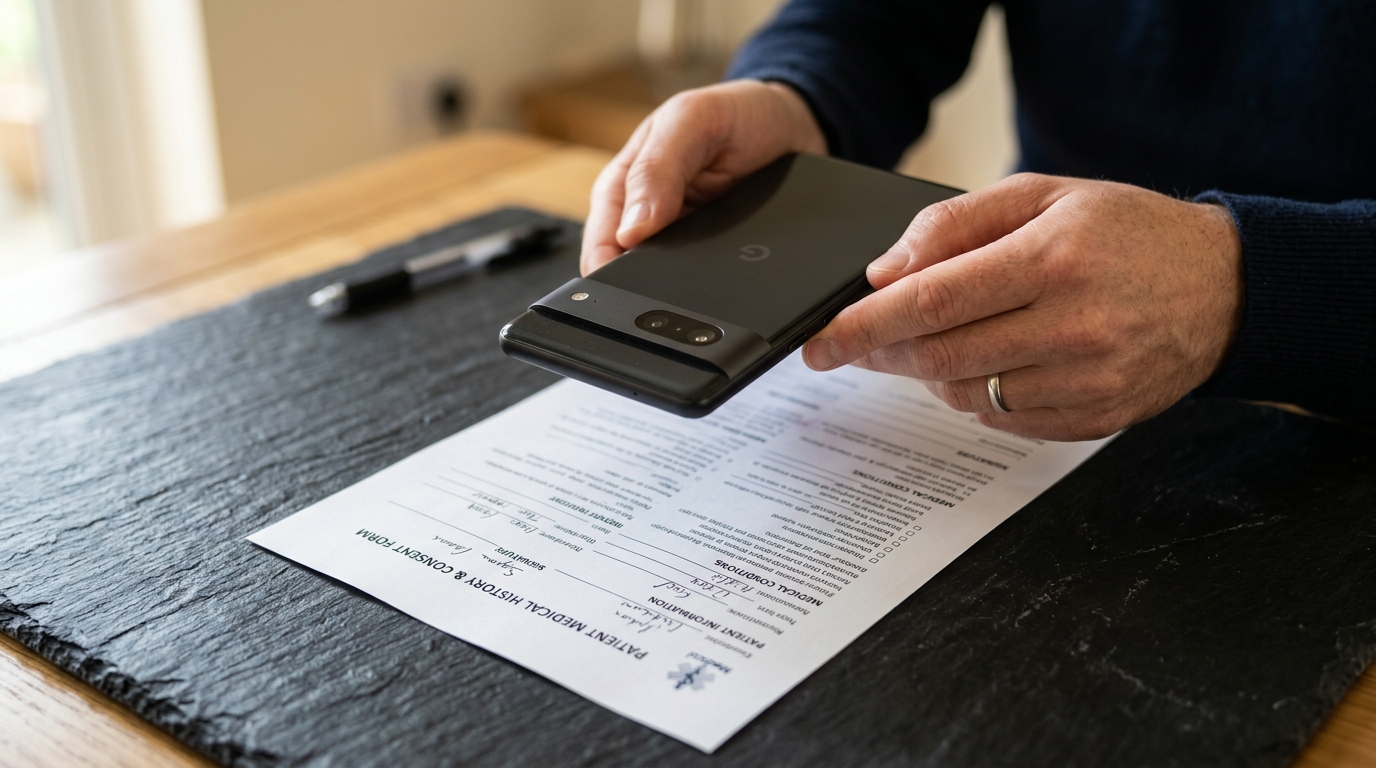
The core of any modern paperwork system is the ability to capture physical media and turn it into a clean, readable digital file. A decade ago, taking a photo of a piece of paper resulted in a dark, skewed JPEG that was unprofessional to send. Today, the process of converting a photo to pdf is highly refined.
To establish this step in your routine, follow these practical guidelines:
- Lighting and Framing: Always place your document on a contrasting background. Natural, indirect light prevents the harsh shadows that often ruin a quick scan.
- Edge Detection: Use a pdf scanner that automatically detects the corners of your paper. This eliminates the background desk or table from the final file.
- Color Correction: A good mobile tool will apply a black-and-white or grayscale filter, enhancing text contrast so it looks like it came from a traditional flatbed machine.
Once you capture the file, the image to pdf conversion happens instantly. This is crucial because standard image formats (like JPG or PNG) are frequently rejected by legal and medical portals. PDFs preserve the formatting and ensure the file prints correctly on the receiver's end.
Step 3: When is a standard pdf editor or adobe acrobat reader not enough?
After digitizing your paperwork, the next phase is review and preparation. Most users default to familiar software, opening their newly created files in tools like adobe acrobat reader. While viewing software is necessary for reading and basic annotations, it rarely covers the full spectrum of mobile document needs.
If you are operating entirely from a phone, your chosen application must manage the intensive processing before the file is ever opened in a reader. You need to be able to merge multiple pages, reorder them, and compress the final file size. The quality of your initial capture dictates how usable the file will be in your pdf editor later.
If your workflow constantly requires you to transfer files to a desktop just to combine or edit them, your mobile setup is incomplete. Look for tools that allow you to convert to pdf and arrange pages directly within the capture interface.
Step 4: Why should your team integrate a web fax service?
The Business Research Company's 2026 outlook on Document Scanning Services emphasizes heavy demand across Healthcare, Legal Firms, and BFSI (Banking, Financial Services, and Insurance). These industries share one strict requirement: secure, verifiable transmission. Standard email often falls short of compliance standards like HIPAA, which is why facsimile remains deeply entrenched in these sectors.
This is where a web fax service bridges the gap. You do not need a dedicated landline or a physical fax machine to participate in these secure exchanges. A web-based or app-based service routes your digital PDF through traditional telecom networks, delivering it to the recipient's physical machine or digital inbox.
Who benefits most from this integration?
- Healthcare professionals: Sending patient records or prescriptions without leaving the examination room.
- Legal teams: Filing court documents or sharing signed contracts while at the courthouse.
- Independent contractors: Submitting tax forms or vendor agreements to corporate offices that mandate fax submissions.
If you want to handle these transmissions instantly from your mobile device, FAX Send Receive (ad-free) App's secure routing is designed for that exact task. It removes the friction of hunting down a retail printing store just to send a single contract.
Step 5: How do you actually scan and fax from iphone free of physical machines?
The final step is executing the complete process from a single device. Here is the practical workflow I recommend for anyone looking to bypass legacy hardware entirely.
First, identify what you are sending. If it is a multi-page contract, stack the pages neatly. Open your preferred capture app and use the batch-scanning mode. This ensures all pages are bundled into one cohesive document rather than several scattered image files.
Second, review the output. Check the margins and ensure the text is legible. If you need to sign it, use a mobile pdf editor to drop your signature onto the signature line. Save the finalized file. At this stage, your physical paperwork has been fully digitized and prepared.
Finally, initiate the transmission. Open your web fax service interface or mobile application. Enter the recipient's traditional fax number, attach your newly minted PDF, and press send. The digital service handles the handshake with the receiving fax machine. You will typically receive a delivery confirmation receipt, which is legally binding in many jurisdictions.

For organizations looking to deploy these capabilities across a team, selecting the right software suite is critical. Companies like Codebaker develop targeted utility apps specifically to address these utility gaps, ensuring that smartphones can perform the same heavy lifting as expensive office equipment.
Transitioning away from physical document hardware doesn't mean sacrificing professional quality. By combining a disciplined capture routine with modern image to pdf tools and a reliable transmission service, you can manage complex paperwork from anywhere. The multi-billion dollar traditional scanner market will continue serving enterprise mailrooms, but for the agile professional, your smartphone is the only machine you truly need.